Getting started takes about two minutes
Watch the quick walkthrough below to choose your cause, set up your profile, and securely connect your account. You don't pay extra, there's nothing to show at checkout, and rypil can't move money — the connection is read-only.
What you’ll need
Your phone
The username and password you use to log in to your bank or card provider online
Download rypil, choose your cause, and your everyday shopping starts giving back.
Ready to start?
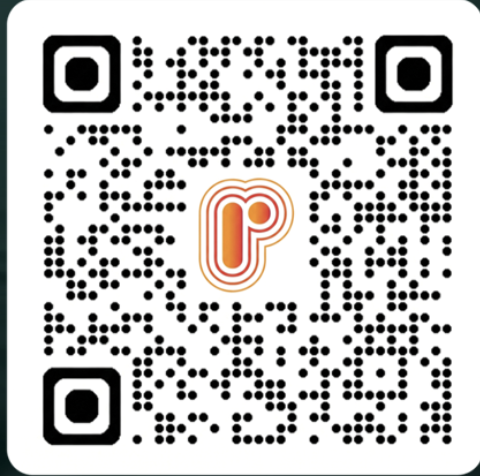
Scan to download rypil
Viewing on a computer? Scan the QR code with your phone to download the app.
Why do I log in to my bank or card provider?
So your everyday purchases can support your cause automatically. Once you've linked your account through Plaid, rypil can recognize when you shop at participating businesses — which is how your support gets directed to the organization you chose, with nothing to do at checkout. The link is read-only: rypil can see that a purchase happened, but it can't see your login, move money, or make any changes to your account.
Is my login shared with rypil and can rypil move my money?
No to both. Your bank login is entered through Plaid — the same trusted service used by apps like Venmo — and is never shared with rypil. We can't move money or make any changes to your account. You can unlink anytime in Settings.
I don't see my bank, or the connection didn't go through.
Plaid supports thousands of banks, so search for yours — and if it doesn't appear right away or a connection doesn't complete, you can simply close and try again. Nothing is saved until the connection succeeds.
Choose your cause. Shop local. Support what matters.

Questions or trouble setting up? Reach us at support@rypil.com.